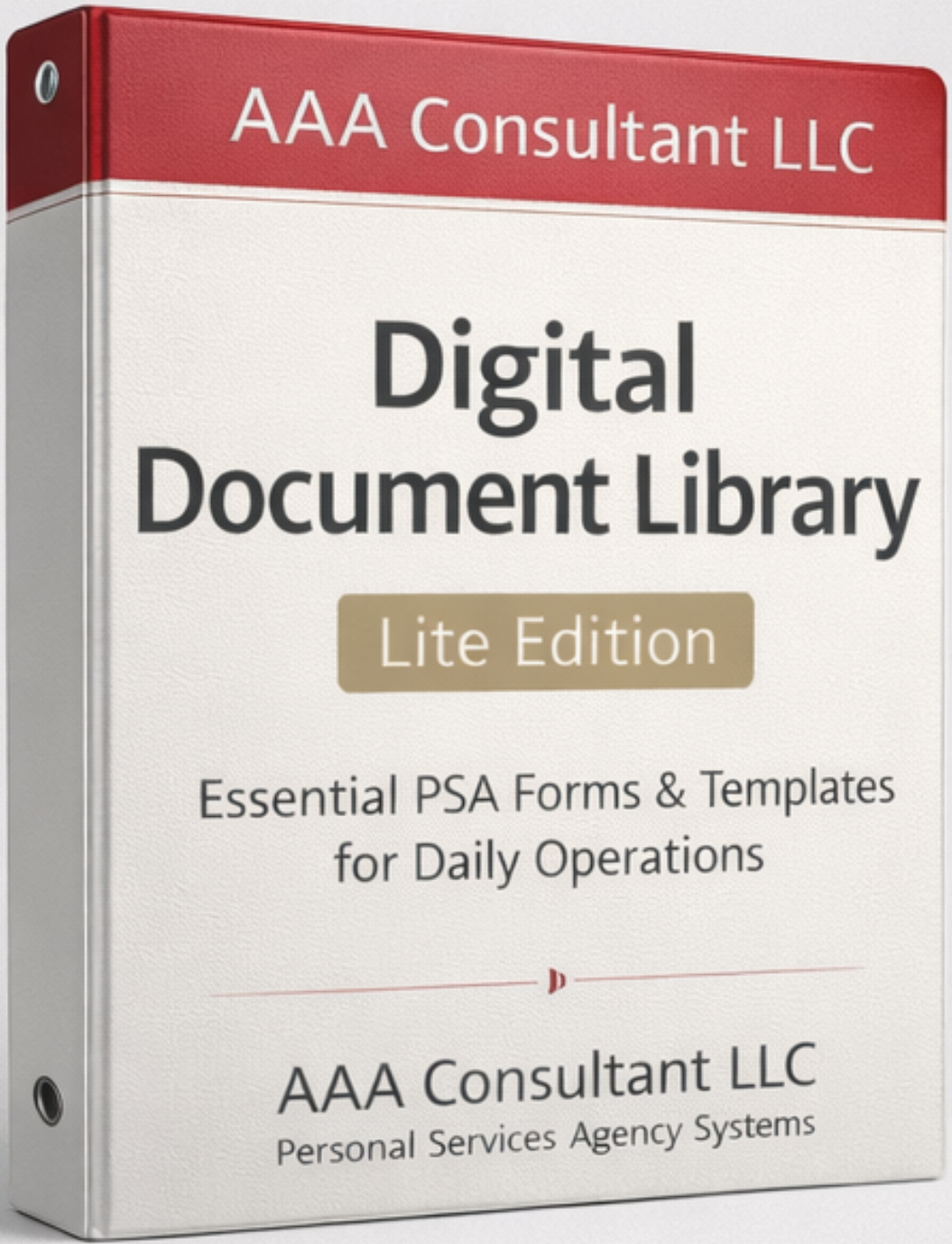
Digital Document Library (Lite) — A Curated Set of Essential PSA Templates
A practical “lite” library of commonly used Personal Services Agency documents and forms — ideal for filling gaps in your documentation or adding structure to your existing agency.
Instead of hunting for random templates online, you get a curated selection of high-utility documents you can adapt, organize, and plug into your day-to-day operations.
One-time payment. Designed as a convenient, budget-friendly way to expand your documentation.
- Curated mix of forms, logs, and operational templates.
- Useful for both new and existing PSAs.
- Ideal companion to Business-in-a-Box or other toolkits.
Files delivered via email immediately after purchase.
Who the Digital Document Library (Lite) Is For (and Not For)
This library is a strong fit if:
- You already have some documents but know there are gaps in your forms and tools.
- You want a quick way to expand your template collection without a full premium bundle.
- You prefer having ready-made structures that you can adapt instead of starting from scratch.
- You like the idea of “grab-and-go” documents you can drop into your workflows.
This library may not be ideal if:
- You want a complete, end-to-end documentation solution (consider Business-in-a-Box).
- You need heavy customization done for you (consider DFY or Accelerator options).
- You are looking for a state-specific legal package rather than customizable templates.
What’s Inside the Digital Document Library (Lite)
Contents are curated to include frequently used, practical templates that support everyday PSA operations. Exact contents may evolve over time, but the Lite library is designed to stay focused and useful.
Category 1 – Client-Facing Forms
A starter set of forms that support your interactions with clients and families.
- General client information / intake snapshot form concepts.
- Basic consent and acknowledgment templates.
- Sample communication log outline for tracking important contacts.
Category 2 – Caregiver / Staff Forms
Simple, essential staff-related templates you can adapt to your agency.
- Basic caregiver application or interest form framework.
- Time or visit log concepts to track hours and visits.
- Simple incident or observation note templates.
Category 3 – Operational Logs & Checklists
Internal tools that help you stay organized behind the scenes.
- Checklist concepts for new client file setup.
- Ideas for tracking referral sources and basic outreach touches.
- Simple task or to-do list layouts for recurring operational routines.
Category 4 – Communication & Follow-Up Templates
Starter language and structure for basic communications.
- Simple email language ideas for confirming appointments or visits.
- Basic follow-up prompts after an inquiry or referral.
- Reminder concepts you can adapt for phone or email.
Category 5 – File Organization Suggestions
Guidance and examples for organizing your digital and physical files.
- Example folder structure for client and staff records.
- Suggested naming practices so you can find documents quickly.
- Tips for separating drafts, live documents, and archives.
Category 6 – “Gap Filler” Templates
Extra templates meant to plug small gaps in your day-to-day paperwork.
- Short note templates for internal memos and reminders.
- Basic checklist outlines for small recurring tasks.
- Prompts you can customize into additional forms as needed.
How to Use the Lite Library in Your Agency
The Digital Document Library (Lite) is designed to be flexible. You can use it either as a standalone “gap filler” or as an add-on to your existing documentation ecosystem.
- Step 1 – Review the Contents: Identify which templates fill an immediate need.
- Step 2 – Customize: Insert your agency name, logo, and relevant details.
- Step 3 – Assign a Home: Plug each document into your file structure and workflows.
- Step 4 – Train Your Team: Brief staff on when and how to use each form.
- Step 5 – Refine Over Time: Adjust language and layout as you see how they work in practice.
Best When Combined With:
- PSA Business-in-a-Box (DIY) – as a supplemental resource for day-to-day forms.
- Intake & Onboarding Package – to create a more complete client file toolkit.
- Compliance & Policy Bundle – to connect forms with clear policies and procedures.
Bonus Materials Included
To help you get the most out of the Lite Library, you also receive a few focused bonuses.
Bonus: Document Index & Notes Page
A simple index you can print or keep digitally that lists the documents in your Lite library and where you are using them.
Bonus: “First 5 to Implement” Checklist
Guidance on which types of documents to implement first, so you see quick operational value without feeling overwhelmed.
Bonus: Update & Version Notes Template
A small tracking layout you can use to note when you last updated a form and what changed.
What Agencies Appreciate About the Lite Library
The Lite library is designed to make life easier for founders and administrators who want practical tools, not clutter.
Questions & Important Notes
Is this the same as Business-in-a-Box?
No. This is a Lite collection of commonly used forms and templates. Business-in-a-Box is a more comprehensive ecosystem that covers startup, documentation, marketing, and more.
Are the documents fully finished or do I customize them?
You will customize them. The goal is to provide structure and starting language so you do not have to start from a blank page.
Is this legal advice or state-specific?
No. These are operational templates intended to be adapted by you. You are responsible for reviewing content and, where appropriate, seeking professional/legal guidance.
What if I later upgrade to a larger bundle?
You keep everything in the Lite library. Larger bundles and Business-in-a-Box simply provide a broader, more integrated set of tools and documentation.
Explore Other Care Business Segments
AAA Consultant supports multiple regulated care models. If your goals extend beyond Home Care, explore our Group Home segment resources and products.
Group Homes
Documentation systems, compliance tools, and DFY implementation support designed for regulated residential care operations.
Need Help Choosing?
If you’re unsure whether Home Care or Group Homes is the right path, apply and we’ll route you to the best starting point.
Coming Next: NEMT
We’re building the Non-Emergency Medical Transportation segment next. If you want early access, apply and select NEMT.
Ready to Quickly Expand Your PSA Document Toolkit?
The Digital Document Library (Lite) gives you a curated set of practical templates you can start using right away to strengthen your files, forms, and everyday operations.